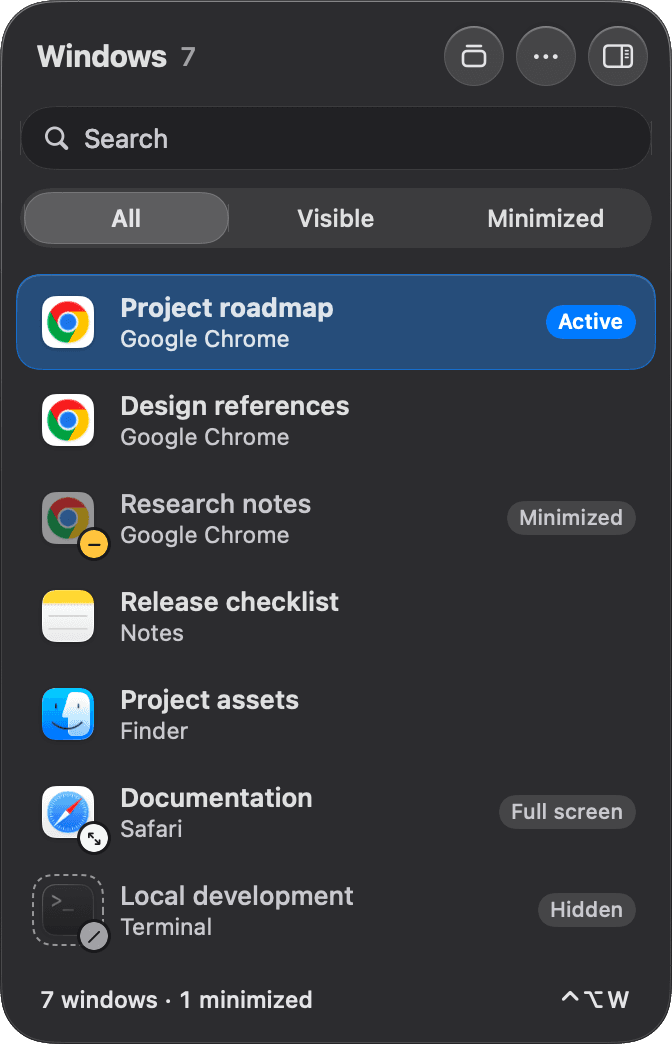
Light, dark, and glass.
Follows your Mac's appearance and sits on a glass panel, or a solid one if you prefer. Reduce Motion and Reduce Transparency are respected.
 Windrow
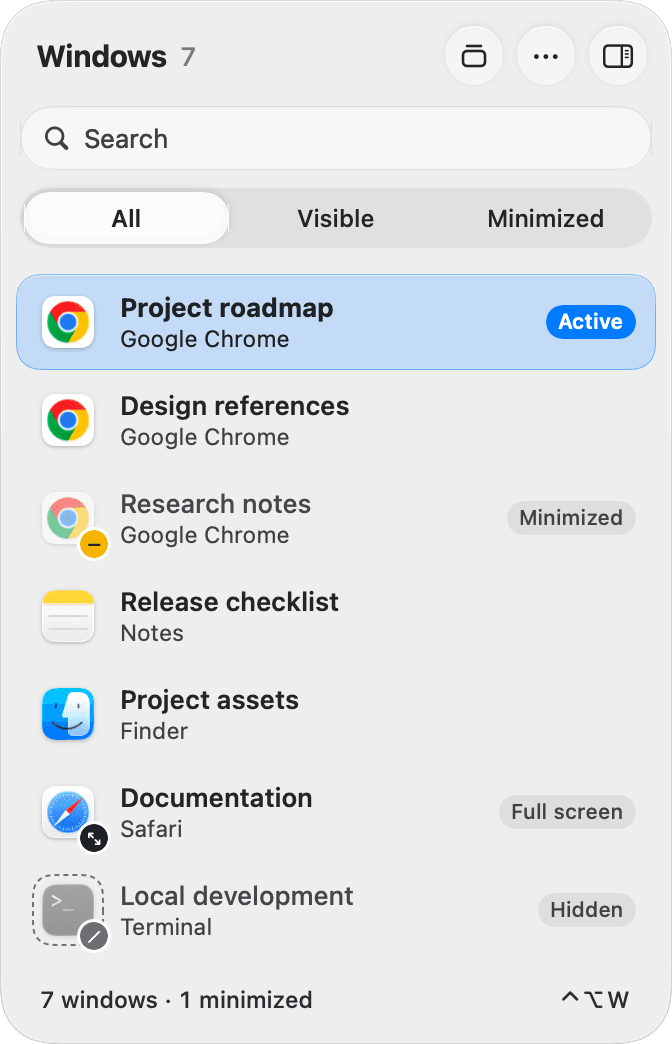
The Dock shows you Chrome. Windrow shows you all three Chrome windows, by name, in a panel at the edge of your screen. Click the one you meant.
Free · macOS 14 or newer · Apple Silicon & Intel
Windows 7
Try it: type chrome or notes, click a minimized window, right-click a row, or press ⌃⌥W.
Unzip it and drag Windrow into Applications. The first time, macOS asks you to confirm it in Privacy & Security.
The app takes you to the right switch in System Settings. That is the only permission it needs.
The panel slides in at the edge of your screen. Press it again and it is gone.
macOS has three ways to switch. Each one starts from the app.
Built in
Windrow
It is a panel you leave open all day, so most of the work went into making it easy to live with.
Follows your Mac's appearance and sits on a glass panel, or a solid one if you prefer. Reduce Motion and Reduce Transparency are respected.
One icon per window, still one click to switch. Numbers tell windows of the same app apart.

Turn on tab search and a window turns up by any of its tabs, not only the front one. Safari, Chrome, Brave, Edge, Vivaldi, Opera.
Twelve Chrome windows? Fold them under one row and open it when you need one.
Pin it to the left or right edge, or drag it anywhere. Each display keeps its own spot and size.
Windrow uses macOS Accessibility to read window titles and bring the exact window forward. That is all it asks for.
Uses
Never
macOS 14 Sonoma or newer. One download runs natively on Apple Silicon and Intel.
Yes. No trial, no account, no ads. Updates are free too.
Windrow is signed by its maker but not notarized by Apple yet. The first time you open it, macOS refuses. Open System Settings → Privacy & Security, scroll down and click Open Anyway next to Windrow. You only do this once.
It is how macOS lets an app see window titles and raise one particular window. Windrow shows app icons and titles and nothing else. It does not need Screen Recording.
Only if you turn on Search browser tabs in Settings, and macOS asks you once for each browser. Tabs are read while you type in the search field, kept in memory, and dropped when the search is cleared.
Full-screen windows are listed and you can click them. macOS itself decides how switching across Spaces and full-screen apps looks. A few apps with custom windows do not show them to Accessibility, so those cannot be listed.
Choose … → Check for Updates… in the panel. Updates are signed and checked before they install.
Free · macOS 14 or newer · Apple Silicon & Intel
Want a page like this?
All your projects with screenshots, one link for your X bio. Free.